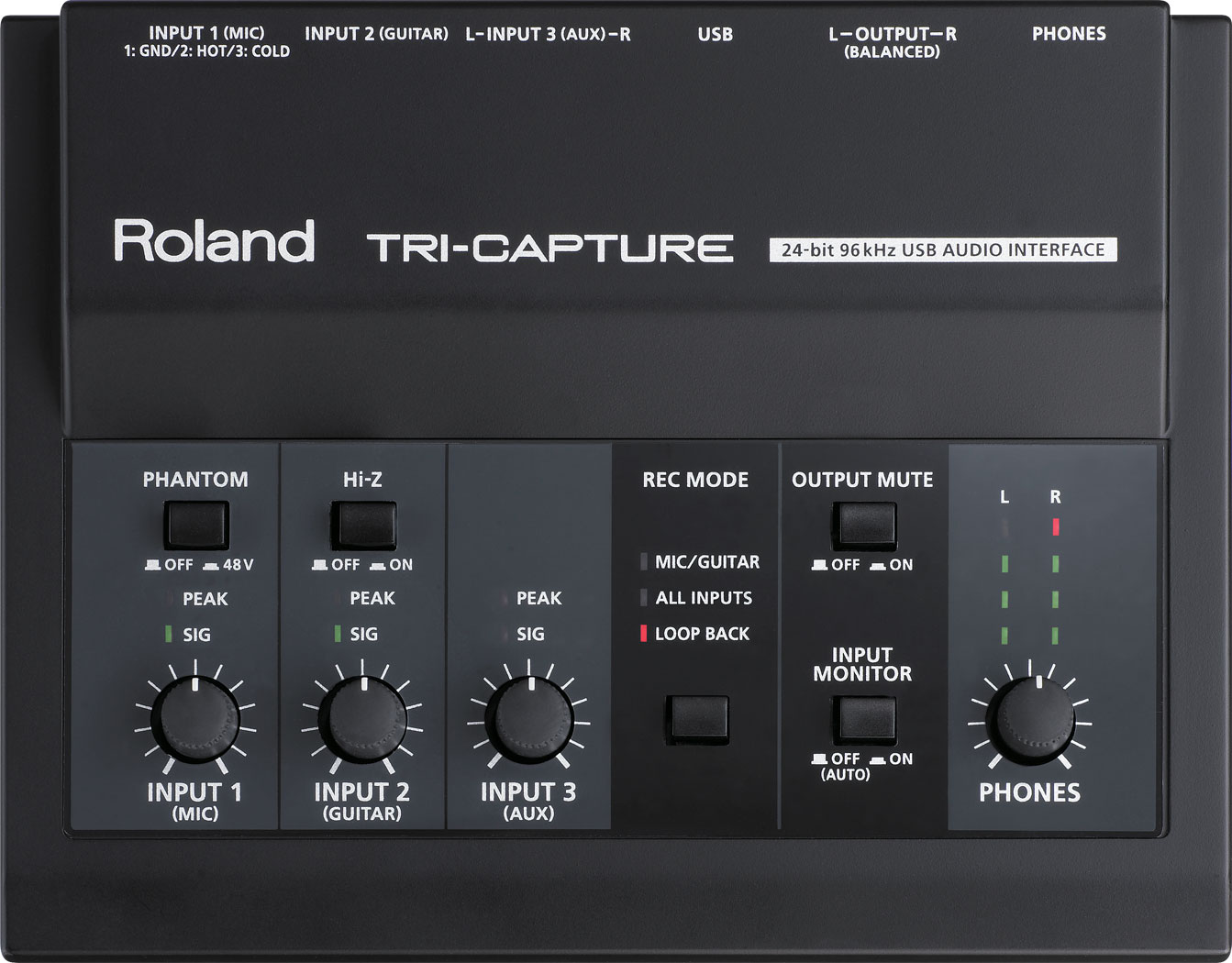
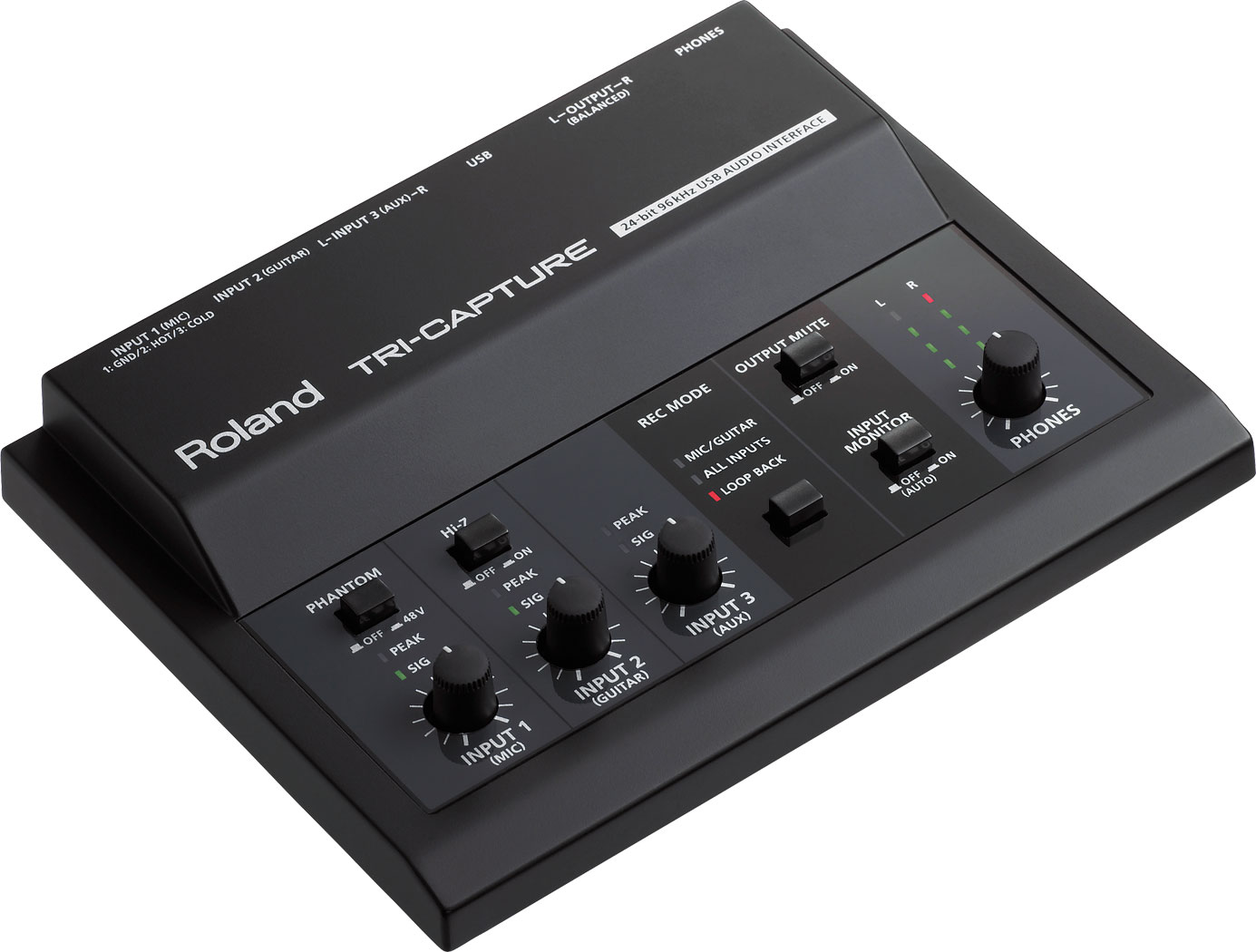

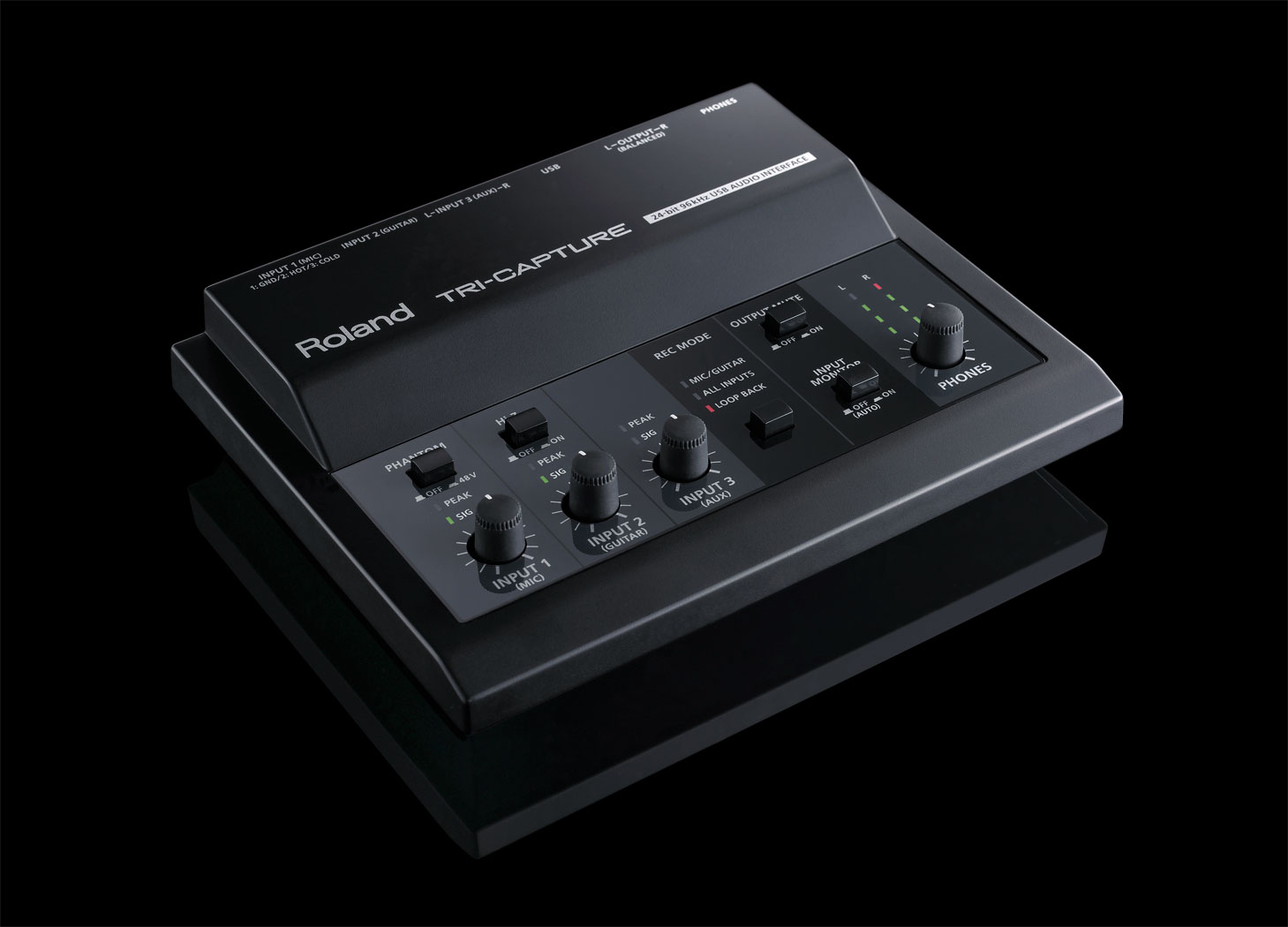
具有多面向應用的TRI-CAPTURE USB介面—獨特、體型小巧的音訊介面,適合個人與行動化錄音工作、人聲與吉他錄音、以及網路串流等應用。透過其混音台式的設計以及專用的面板控制旋鈕,TRI-CAPTURE能夠輕鬆進行多種聲音訊號的混合、控制,以及監聽。您可以在XLR輸入端子連接一支麥克風,1/4吋端子可連接一部樂器,AUX輸入則可連接一部立體聲音樂播放或樂器設備。獨特的REC MODE區提供您立即選擇不同的錄音方案,還有LOOP BACK可作網路串流之應用。TRI-CAPTURE不但功能齊全、攜帶方便,而且可用USB供電實現簡單便利性設置方式!

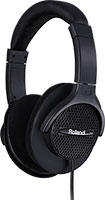
舒適而輕巧,享受數位鋼琴豐富動態的耳機
產品詳閱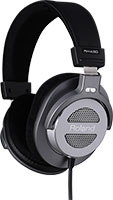
開放式設計的專業錄音室級耳機
產品詳閱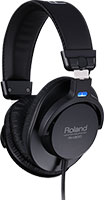
清澈、精準而舒適的耳機,提供錄音室級的監聽品質
產品詳閱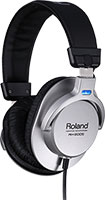
提供清澈、精準聲音,適合混音工作與安靜個人練習的耳機
產品詳閱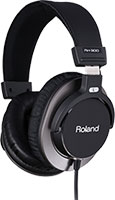
最頂級專業級監聽專用封閉式耳機
產品詳閱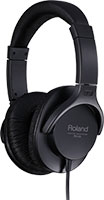
適用於日常音樂製作工作和音樂播放的耳機
產品詳閱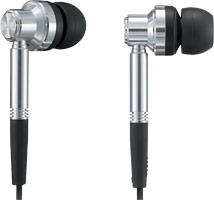
具有強烈低音與更寬廣頻率表現力的專業級內耳式耳機
產品詳閱Flexible solutions for your music production needs.
This contains information on the TRI-CAPTURE driver compatible with Microsoft Windows 10.
IMPORTANT NOTICE: When the Windows SmartScreen is displayed upon installing the driver, please perform the following procedure:
1. Click [ More info ]
2. Click [ Run anyway ]
* Skip Step 1 If your PC is not connected to the internet.
If you have questions about operating your Roland product, please check our Knowledge Base for answers to the most common questions.
You can also contact our Product Support department by phone or email.
In addition, we have a library of Owner’s Manuals and Support Documents that you can download and reference.