
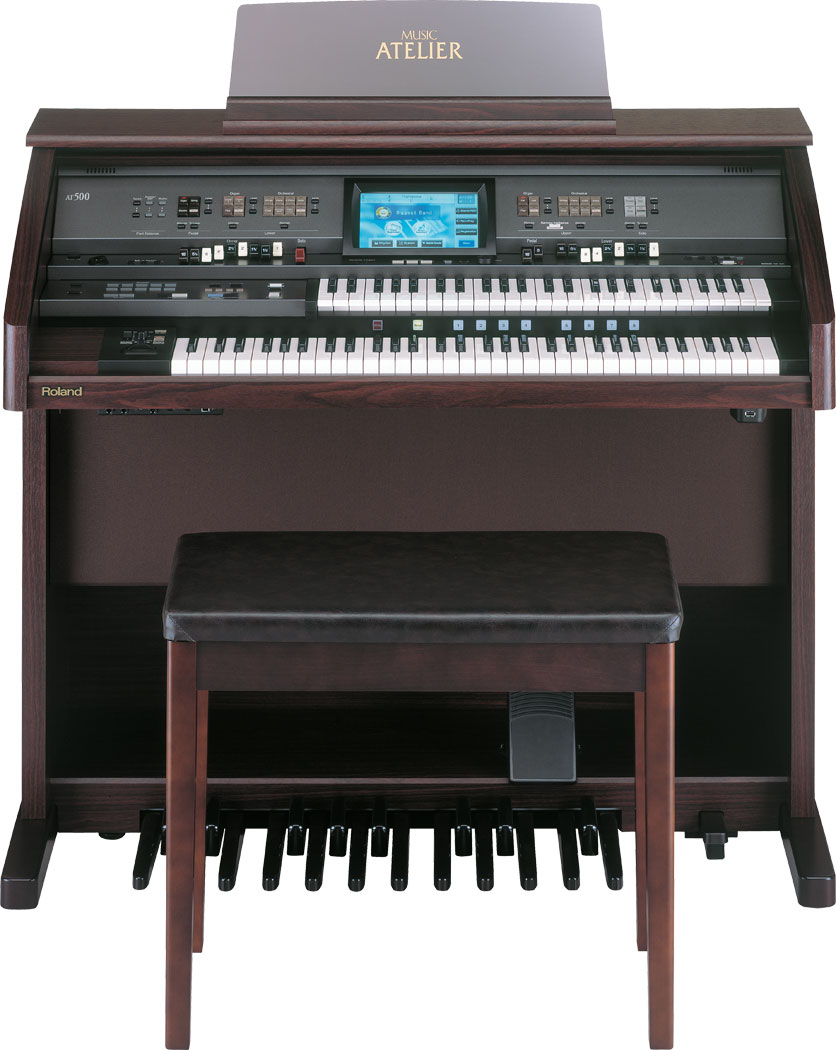
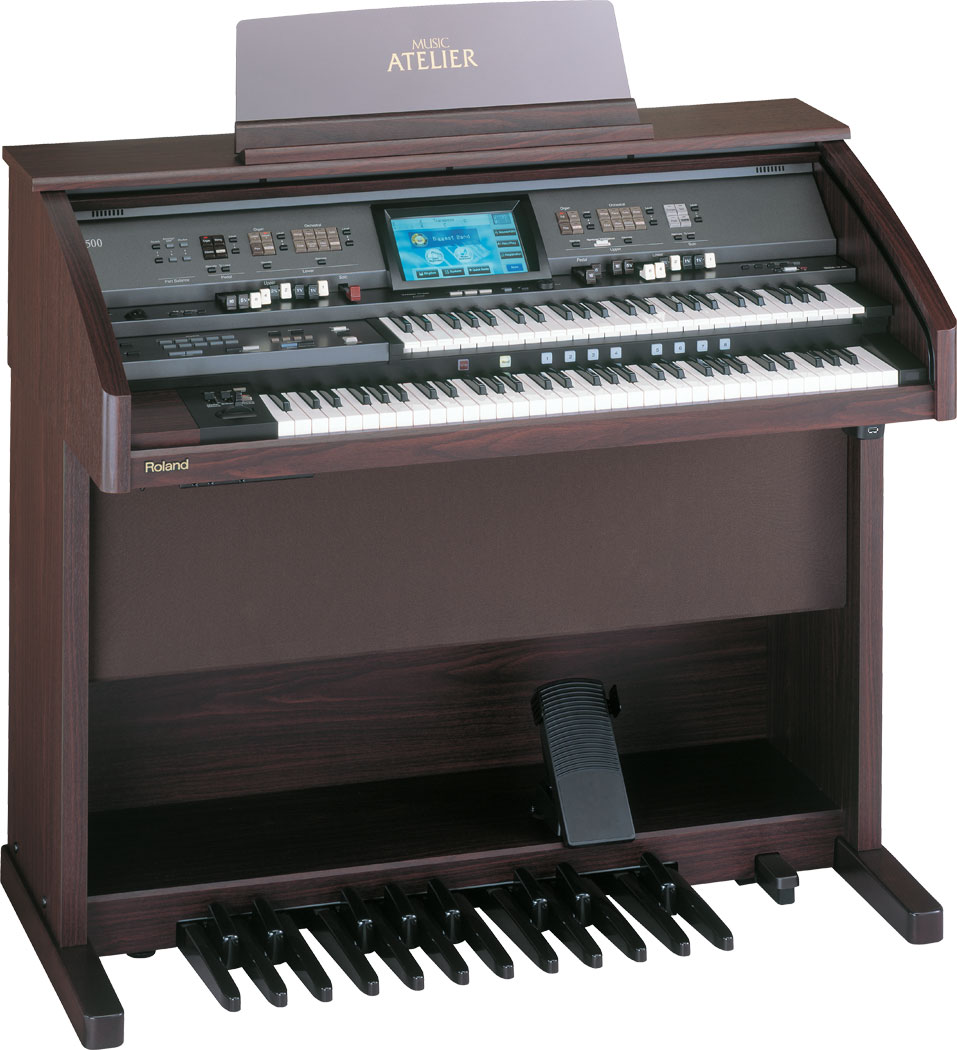
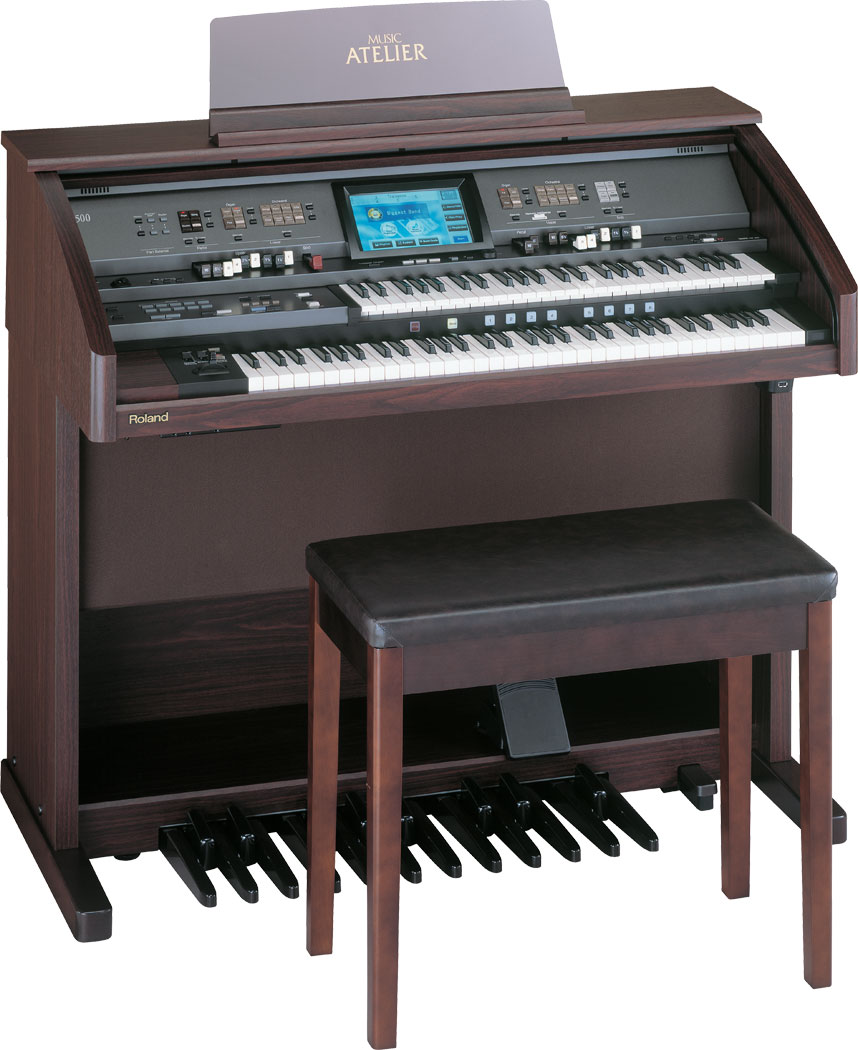


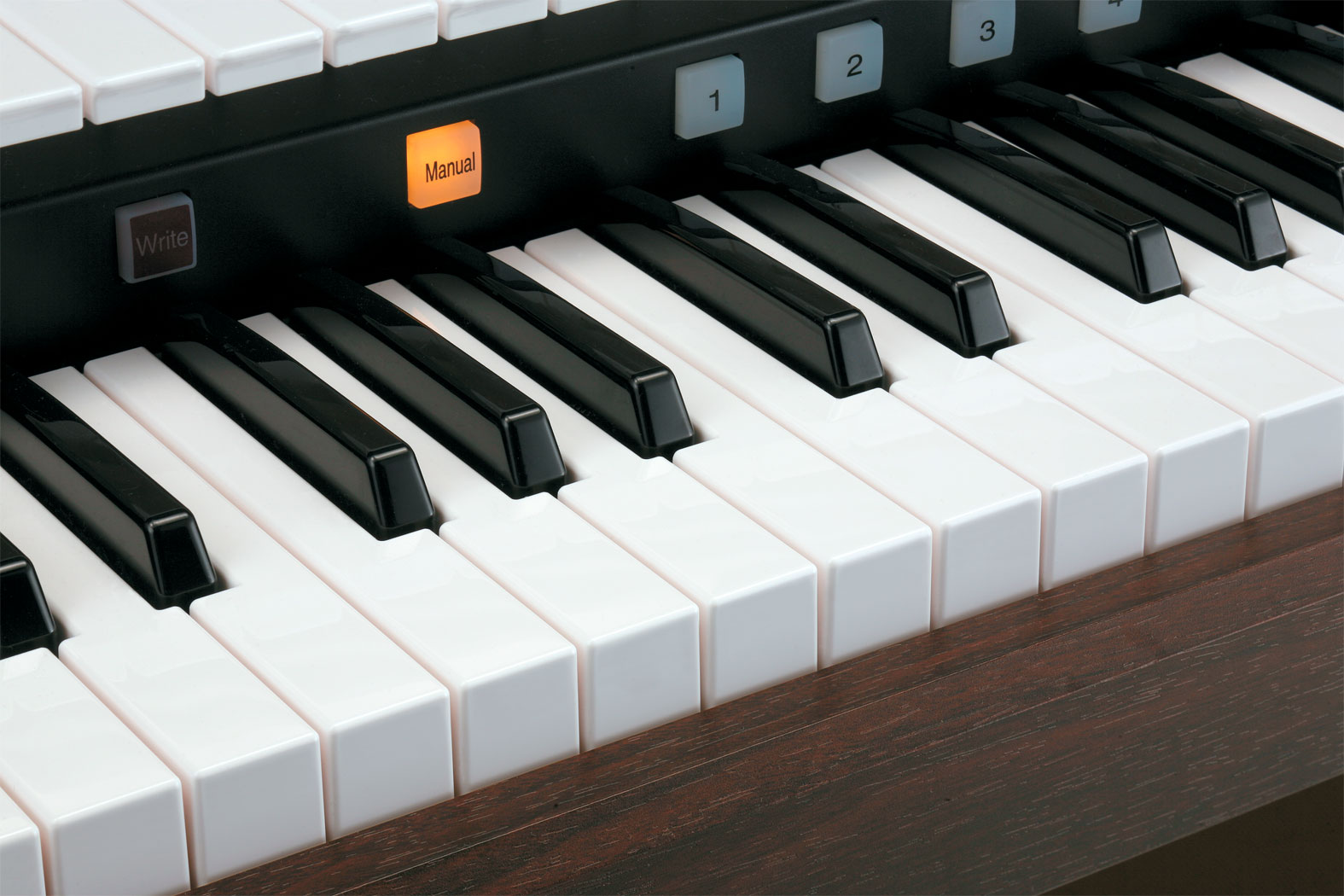
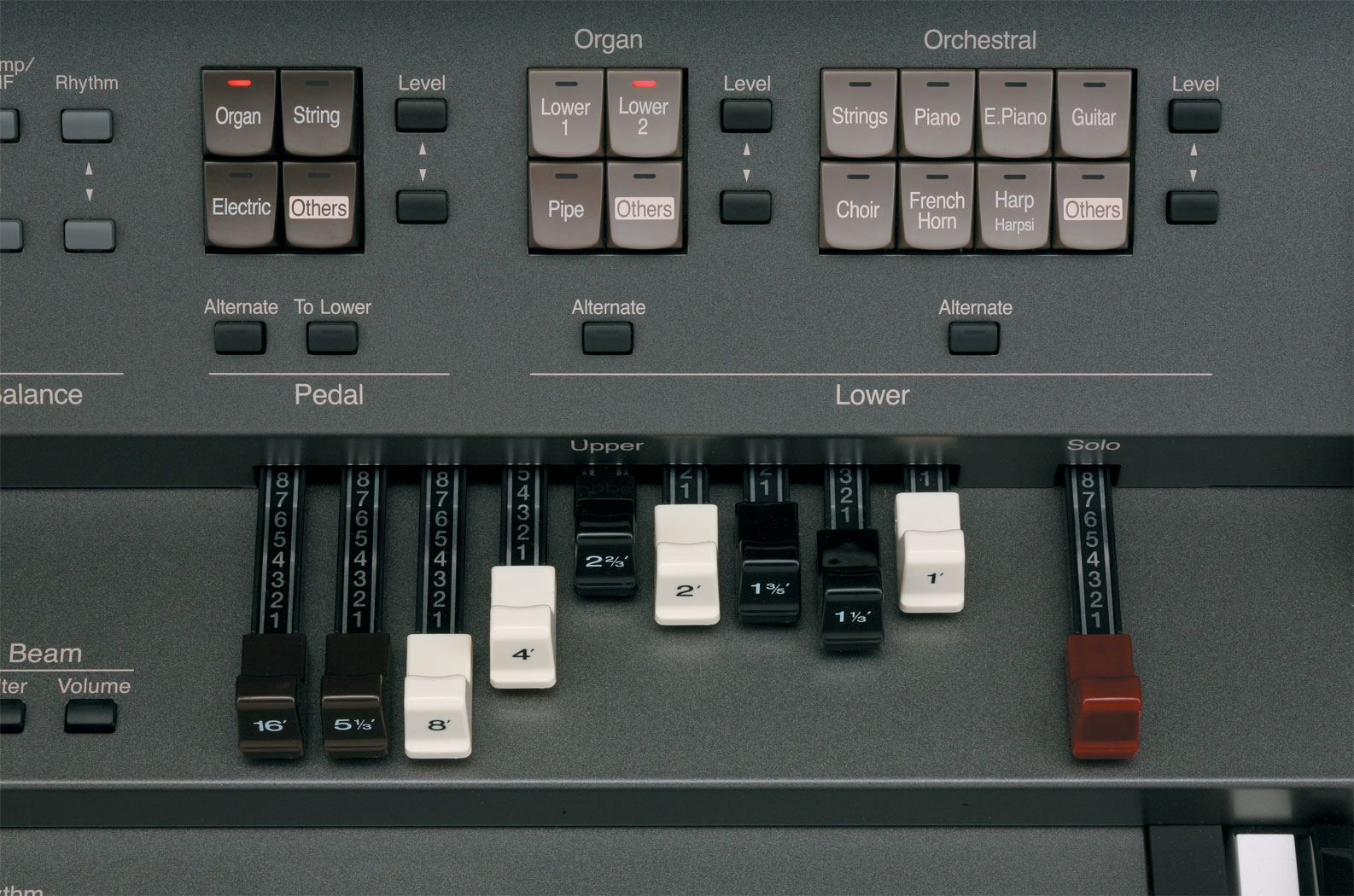
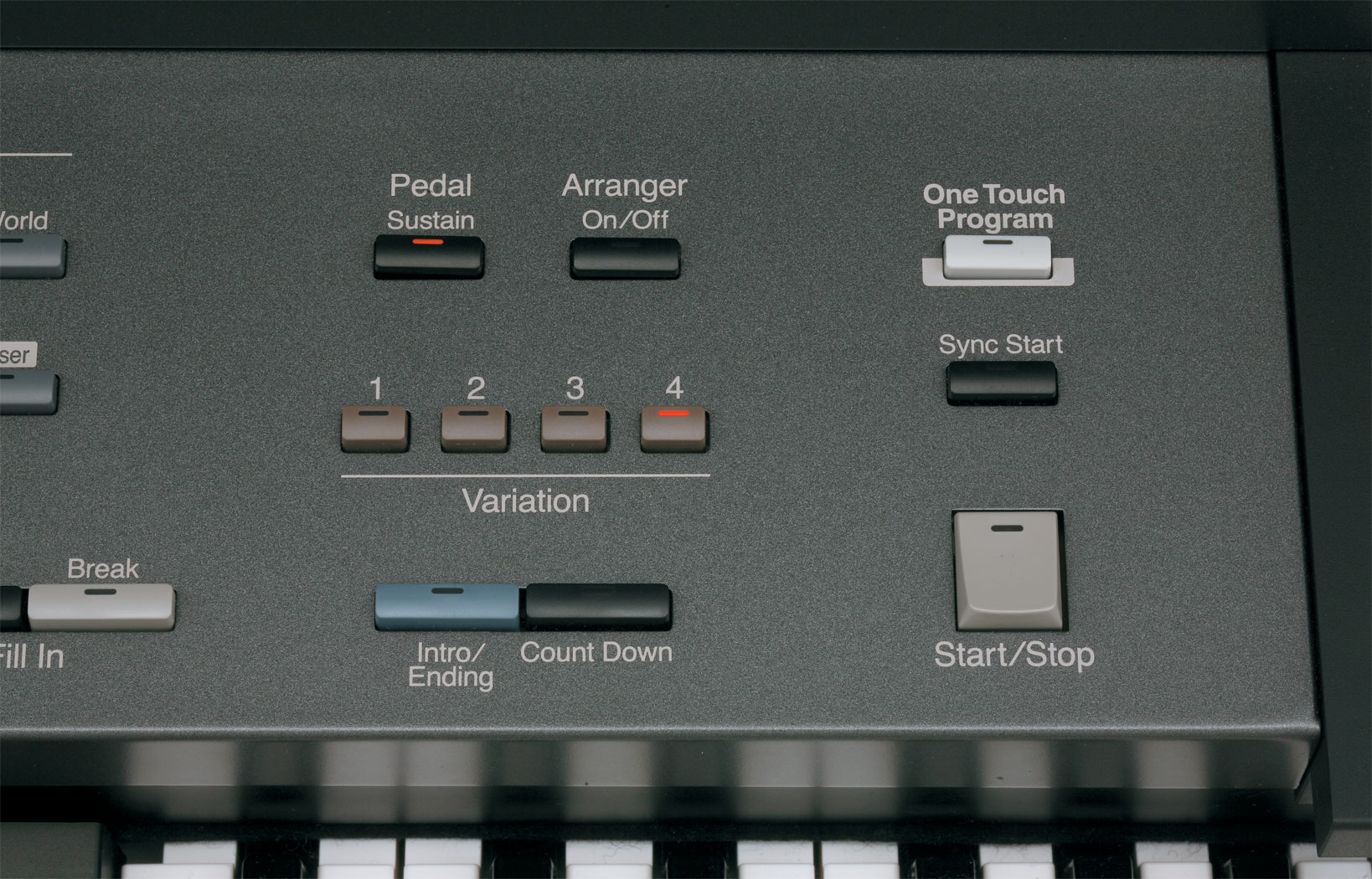
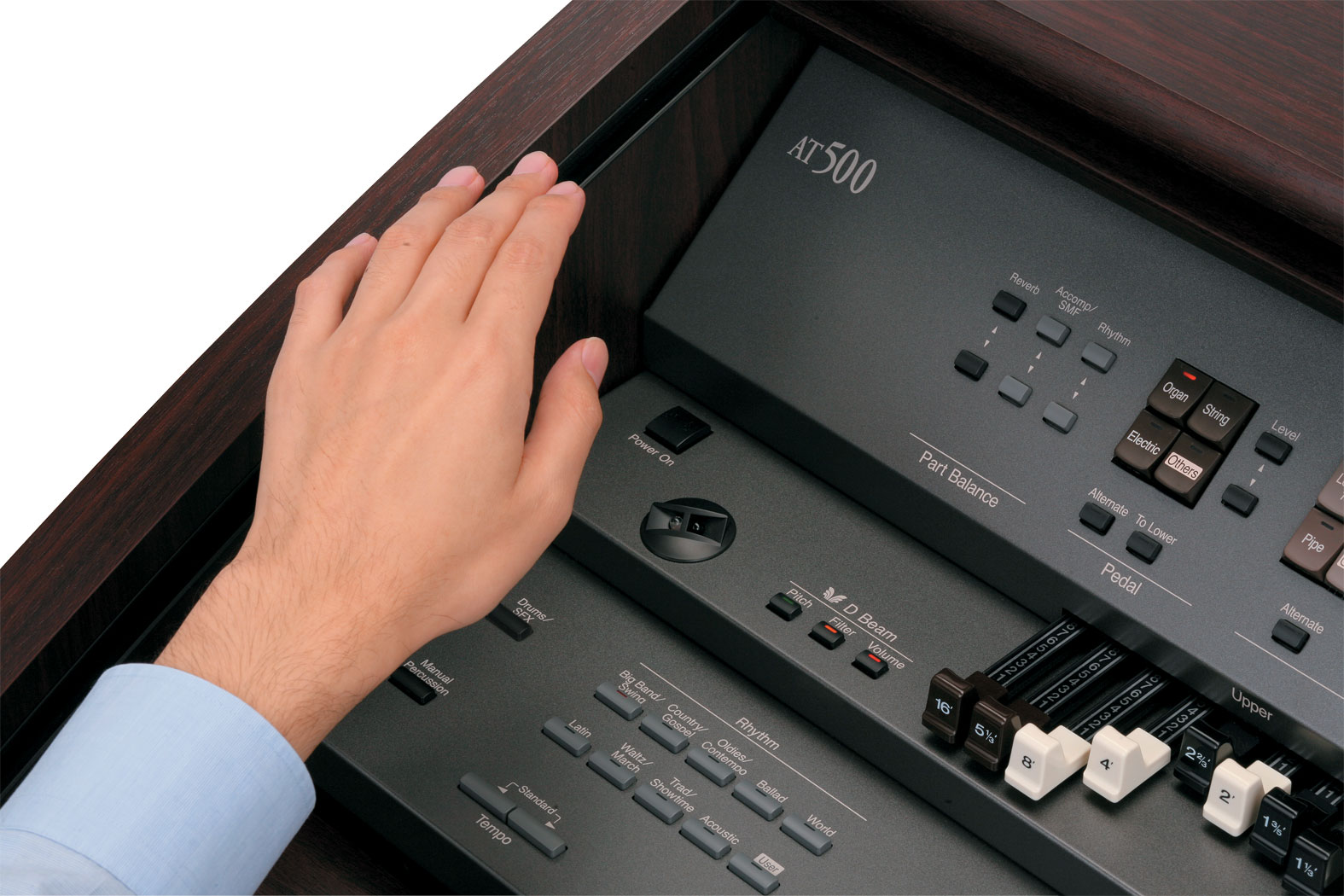
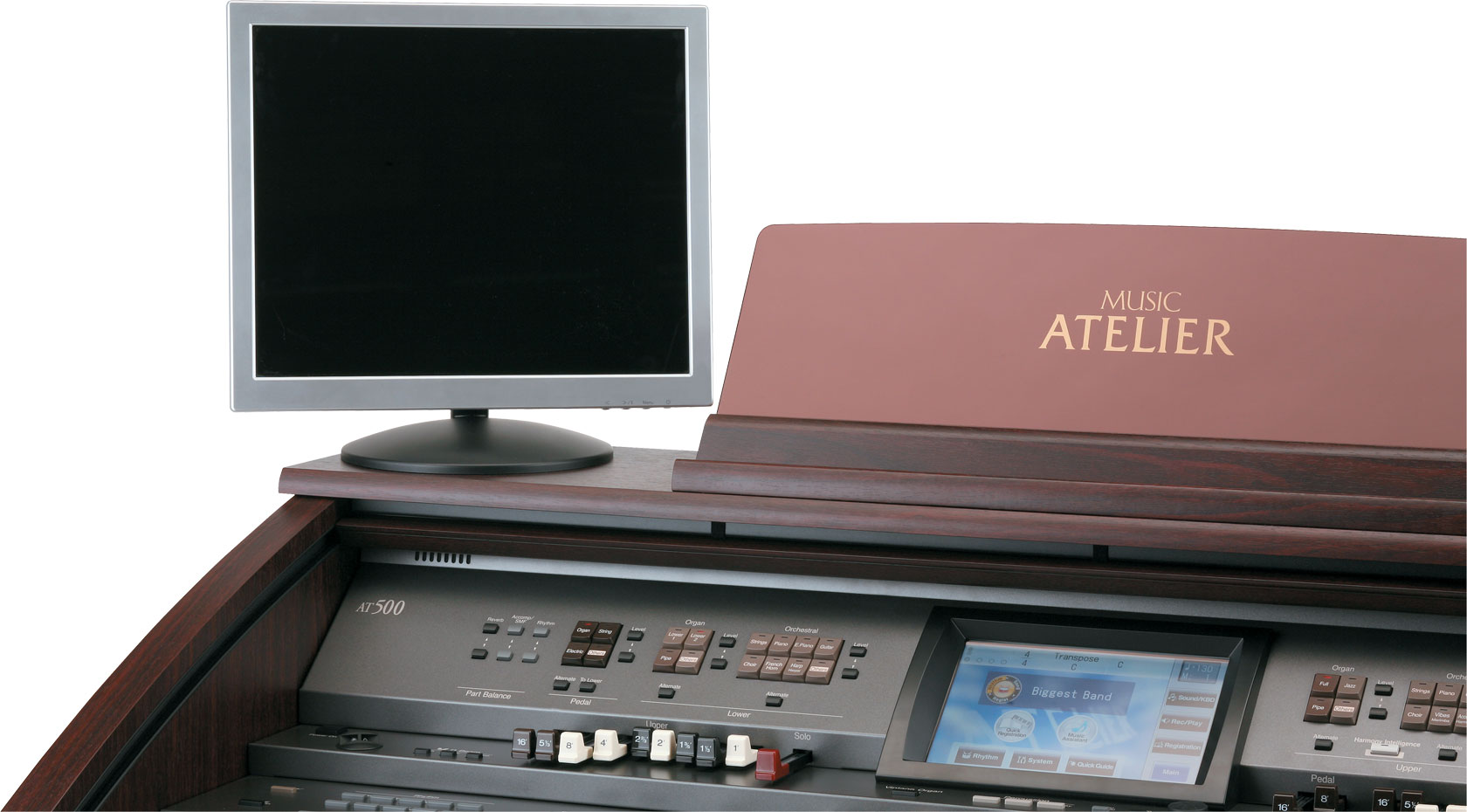
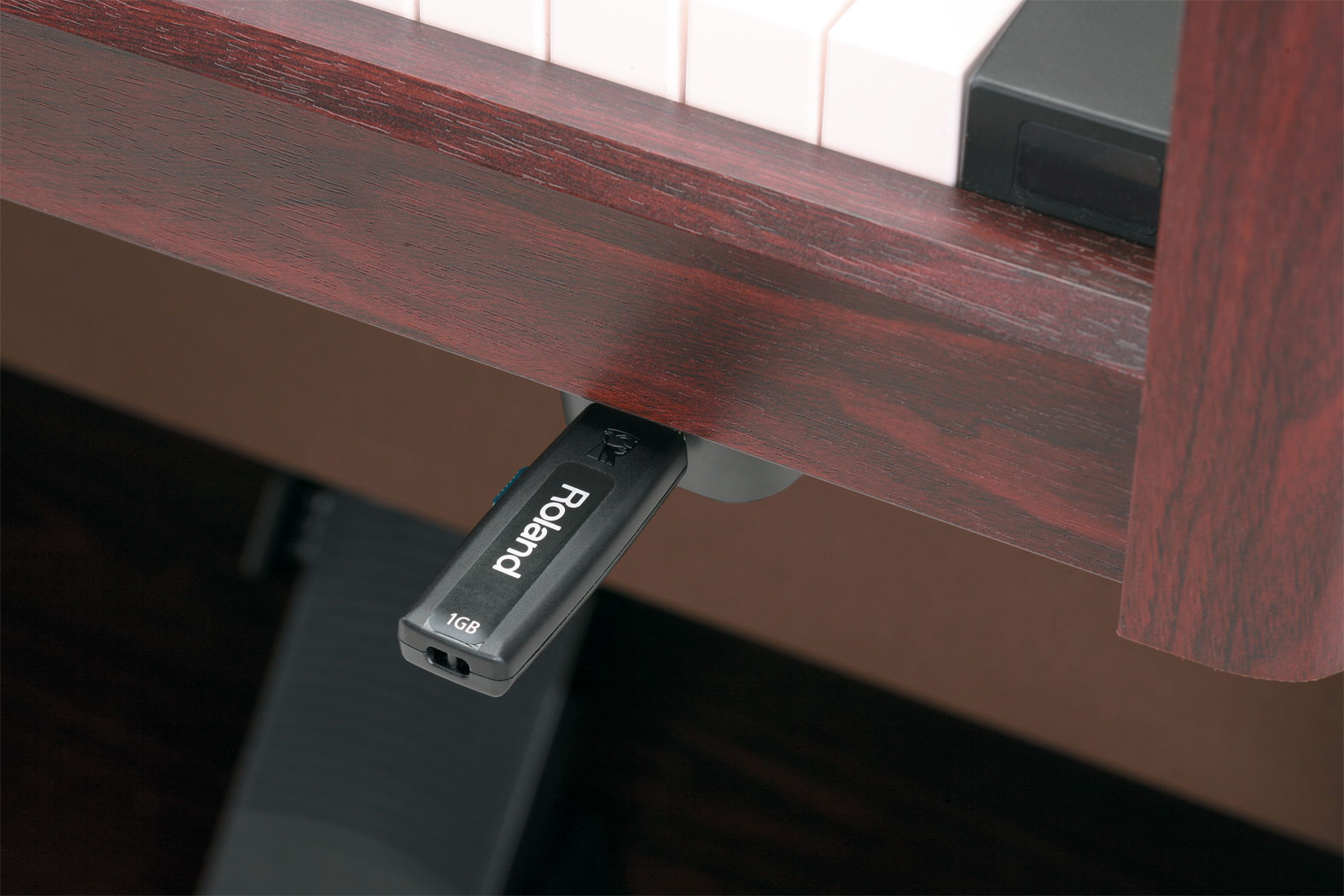
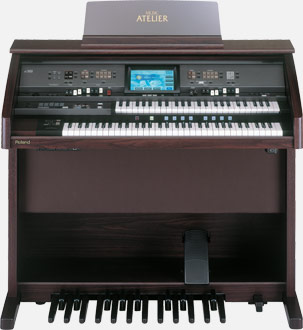
The new AT-500 stands at the head of its price class with a luxurious WVGA touch-screen display, an expanded dual-manual keyboard (49+64) and pedalboard, a 100w stereo speaker system, an infrared D Beam controller, RGB video output, dual USB ports, and much more. With 250 voices, 195 built-in rhythms, 300 Music Assistant titles and 150 Quick Registrations onboard, the AT-500 delivers top-level performance and flexibility.
This is the latest operating system update for the AT-500. Please refer to the "AT-500_READ ME.pdf" for the update procedure.
NOTE: The update files that you download and save to your computer from the link above are enclosed in a compressed zip file. This file must first be uncompressed. You can do this by using the WinZip application on your PC running Windows XP, or by using Stuffit Expander on your Macintosh (needed for OS 10.2.x or below). If you're using Mac OS X 10.3.x or above, then you will not need Stuffit Expander.
When you double-click on the downloaded file that you saved to your computer, WinZip or Stuffit Expander should startup automatically. If you do not have WinZip (PC) or Stuffit Expander (Mac) installed, then you must download it, install it, and extract/unzip the update files folder before you can complete the update procedure.
You can get WinZip from the following link:http://winzip.com
You can get Stuffit Expander from the following link:http://www.stuffit.com/mac/expander/
This is the USB driver for the E-50, E-60 and E-80 Arrangers.
If you have questions about operating your Roland product, please check our Knowledge Base for answers to the most common questions.
You can also contact our Product Support department by phone or email.
In addition, we have a library of Owner’s Manuals and Support Documents that you can download and reference.